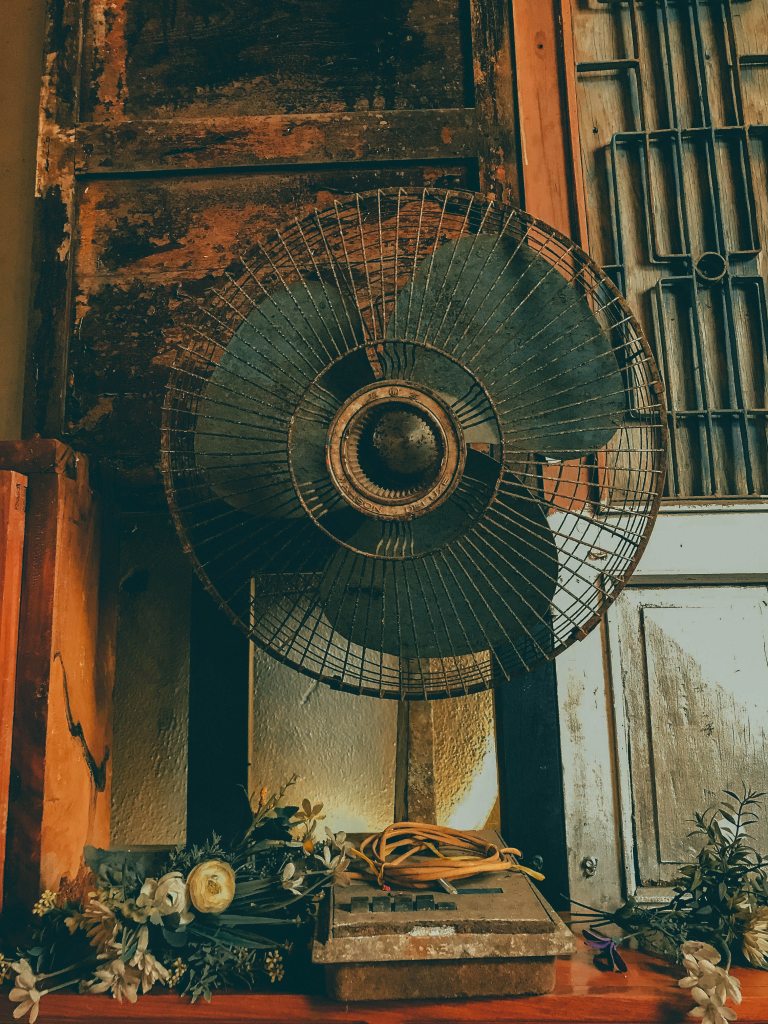
Am lying on my room bed at 6 am in the morning,then my fan suddenly overheated and stopped working then I decided to make some research about it, here is what I found.
Can a fan overheat?
The job of a fan is to help us cool down and make the unbearable heat tolerable. But if you’re wondering if a fan can overheat on its own, we have a few things to tell you.
Fans are definitely not designed to overheat. However, lack of maintenance, a bad motor, dirty fan blades, and faulty parts can cause a fan to overheat.
What causes fan overheating?
It is not easy to identify what exactly caused fan overheating every time it happens. For that, you will need to consider various factors to identify the problem.
Here are some of the most common causes of fan overheating:
Bad motor
Any issues with the motor can affect the working of a fan. If you determine that the motor is not working even when there is proper current, it is most probably a bad motor. Fortunately, fan motors can be repaired and replaced, so you should not have a problem with that.
If your fan motor is failing continuously, the best option is to change it with a new one. you can replace the motor by following the steps given below:
Collect the replacement parts and all the tools required.
Turn off the power supply to the fan.
Unscrew the outer cover and remove the fan motor blades.
Carefully remove the fan motor, without breaking or damaging the wires.
Cut the metal rod of the motor and place the new motor on the grill.
Replace the blade.
Complete the wiring, and reassemble the parts.
Turn on the power supply, and check if it is working correctly.
Poor airflow
If the fan blades are not installed in the correct position, you will notice a decrease in the airflow. This can lead to fan overheating. Furthermore, the accumulation of dirt, dust, and other materials can drag the blades. This will increase heat energy emission, which will contribute to heating.
Lack of maintenance
It is important to keep all electrical equipment in good condition by following a proper maintenance plan. For instance, if there is an accumulation of dirt in the fan motor, or if the motor is not lubricated enough, the resulting friction can lead to overheating problems.
Here is a basic maintenance list that will help you take good care of your fan:
Fan bearings: If there is a lot of noise coming out of your fan, it most probably indicates excessive wear on the fan bearings. Try lubricating the bearings, and if the problem is still not resolved, you can replace them. Be careful not to over-grease bearings as it can affect the roller motion and cause overheating.
Cleaning: All the components that are susceptible to dirt and dust particles’ build-up should be cleaned regularly. Accumulation of dirt can affect the working of the system and can cause overheating.
Motor condition: Loss of lubricant, damaged capacitor, and failed bearings can result in motor damage. To know if the motor is working properly, check if the motor’s power supply is adequate. You can also inspect the capacitor for signs of damage.
Shorted Motor Windings
Normally, there are thermal fuses in fans that will cut off the circuit when the motor is drawing too much current or when there is a short circuit. But when the windings on your fan are short, the motor will draw more current than usual, which results in overheating.
Leaks
Check for any kind of leakage from the appliance. Leakages can result in energy loss, which will affect system performance. It might be due to different reasons like condensation in the duct and water from the roof. Replace or reposition the fan, and try insulating to avoid leakage.
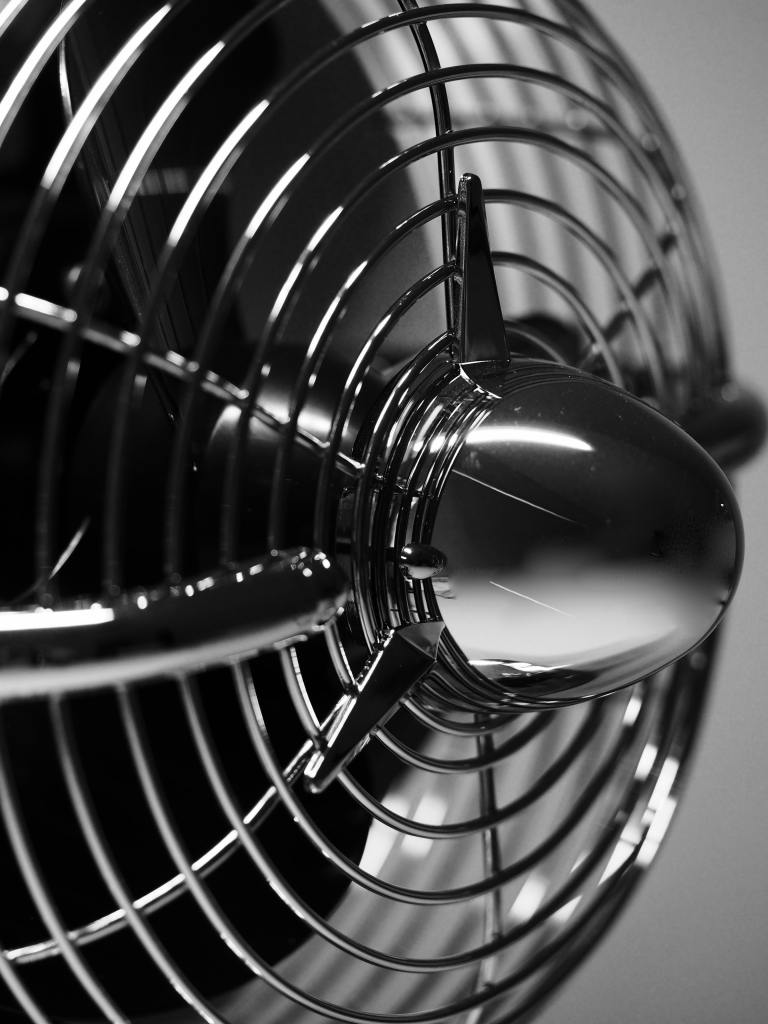
WAYS TO FIX FAN OVERHEATING
Now that you know what causes a fan to overheat, you can try to fix it yourself. But honestly, repairing fans without any help is not at all recommended. fans are high voltage devices, and you need to be extra careful while dealing with them.
However, cleaning the motor, blades, and the bushings do not pose any danger, so you can do these by yourself.
CLEAN THE FAN MOTOR
Here’s how you can clean the fan motor:
Unplug the fan and remove the outer cover.
Wipe down the fan blades (preferably using a microfiber cloth).
If dirt has accumulated on the outside of the motor, brush it out. Take care not to damage any connections or cables.
CLEAN THE BUSHINGS
Cleaning the bushings isn’t very easy. Once you take out all the parts, chances are, you’ll forget how to put them back together. But if you decide to go further, be very careful while handling the parts.
Here’s how you can clean the bushings:
Remove the screws that are on the outer edge of the motor.
Take out the motor carefully, without damaging any wires.
Remove the bushings using a flat head screwdriver or a nose plier (depending on the fan model). Typically, there are two bushings: one in the front and one at the back.
Replace the old, dirty bushings with brand new ones.
If you want a better idea of the whole cleaning process, watch this tutorial on how to clean a fan:
CONCLUSION
In short, fans can overheat due to several reasons like lack of maintenance, bad motor, poor airflow, shorted motor windings, and unclean bushings. Cleaning the motor and the bushings are the best options for you to try fixing the issue.
Most fan manufacturers do not recommend disassembling the fan all by yourself. In case of overheating, troubleshoot the fan’s malfunction using the tips mentioned in this article.

 Electronics